Signing in
Use the same email and password you use for portal.smarthands.uk. Two-factor authentication and SSO carry over from the Portal, so if you've got those set up there's nothing extra to configure.

Raise new Work Orders, follow site visits and chat with your engineers in real-time from anywhere on Earth with the Smart Hands iOS app. Free on the App Store, sign in with your existing Portal login.
The Smart Hands iOS app enables your team to get the essentials sorted no matter where they are.
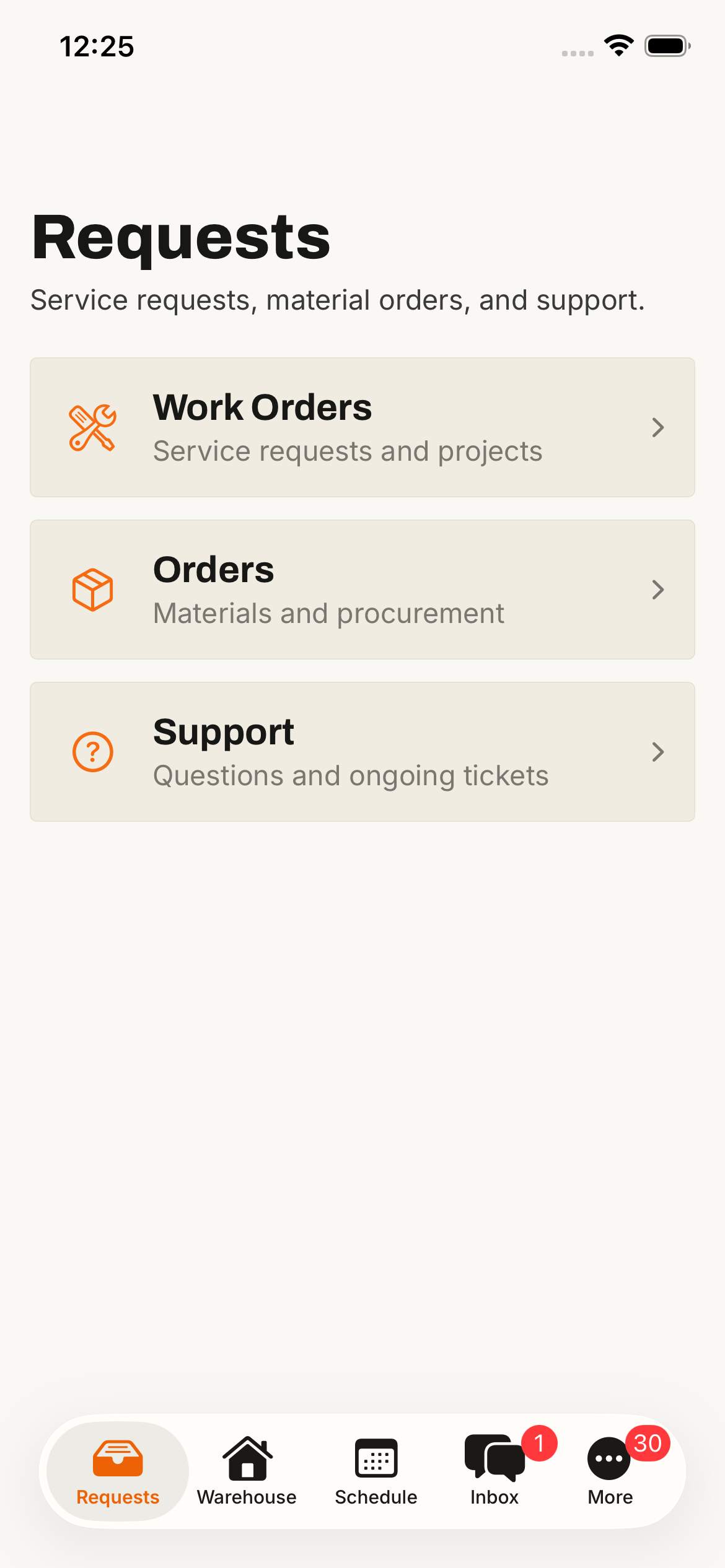
Open the Smart Hands app and you're straight into Requests, where every type of job you can send us has its own queue: Work Orders for engineering, Materials Orders for kit, Support Requests for everything else.
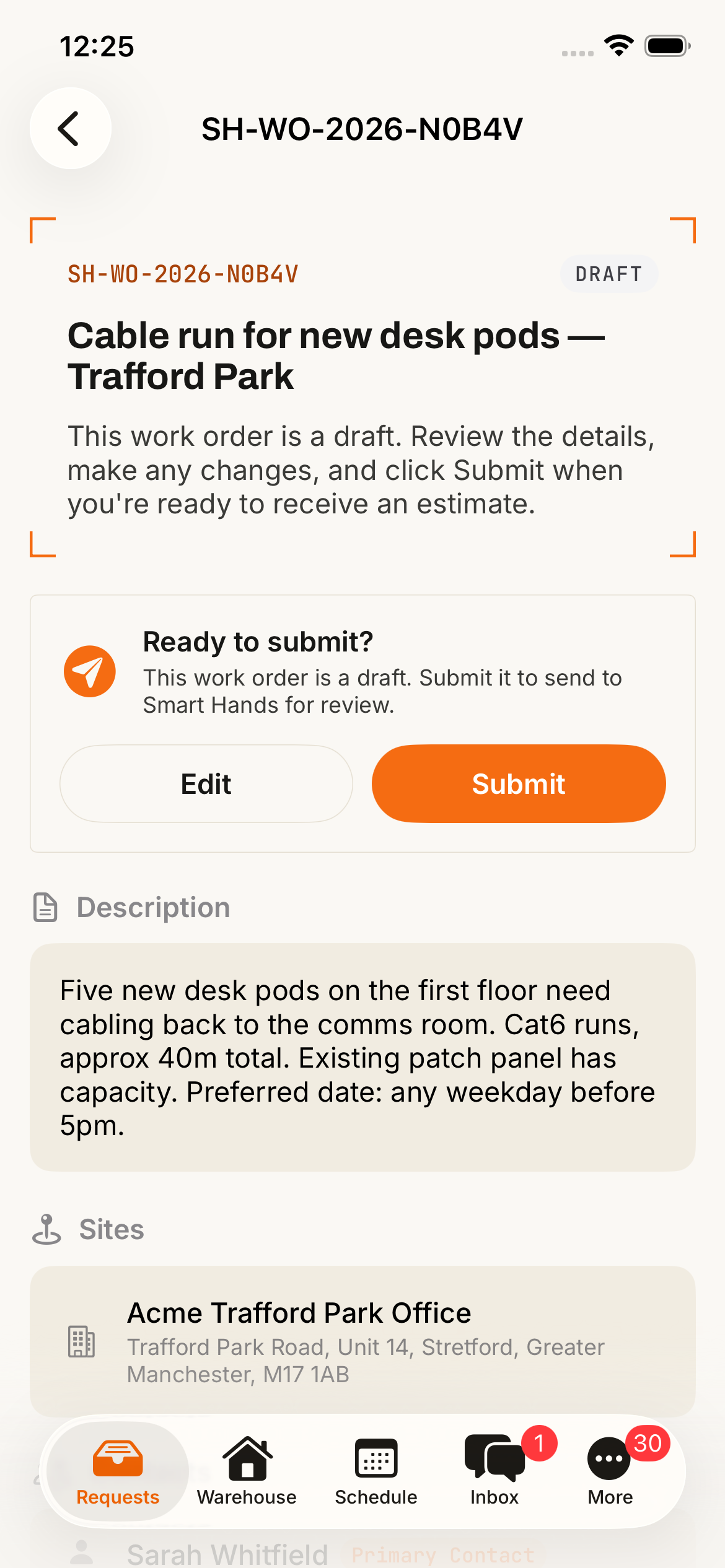
Fill in the same Work Order form you'd use on the Portal — sites, scope, contacts, attachments — and send it through to our review queue. Don't have all the details to hand? Save it as a draft and finish it later from your phone or your laptop.
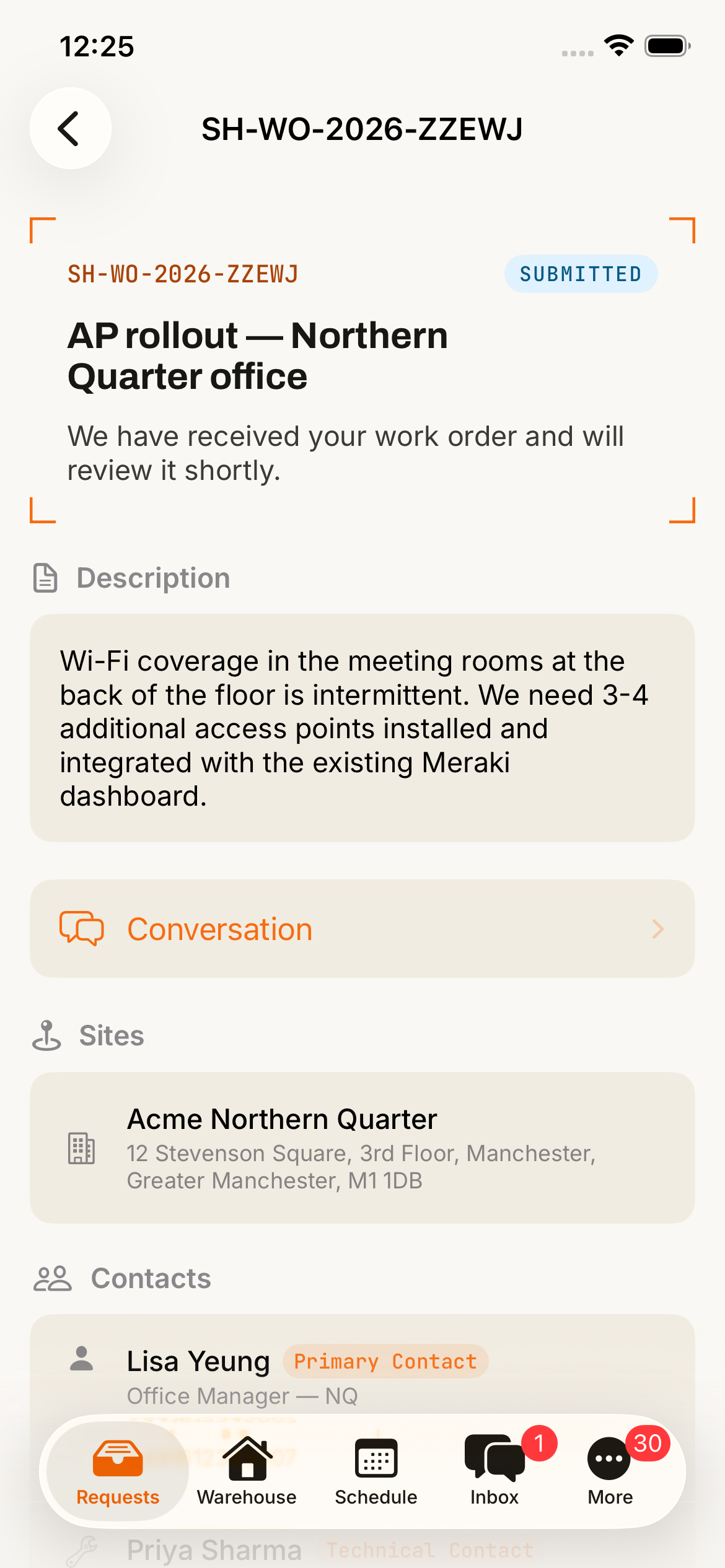
Tap any Work Order to see exactly where it's got to: estimated, scheduled, on site, completed. The status, description, sites, contacts and full conversation thread are all on one screen, ready when you are.
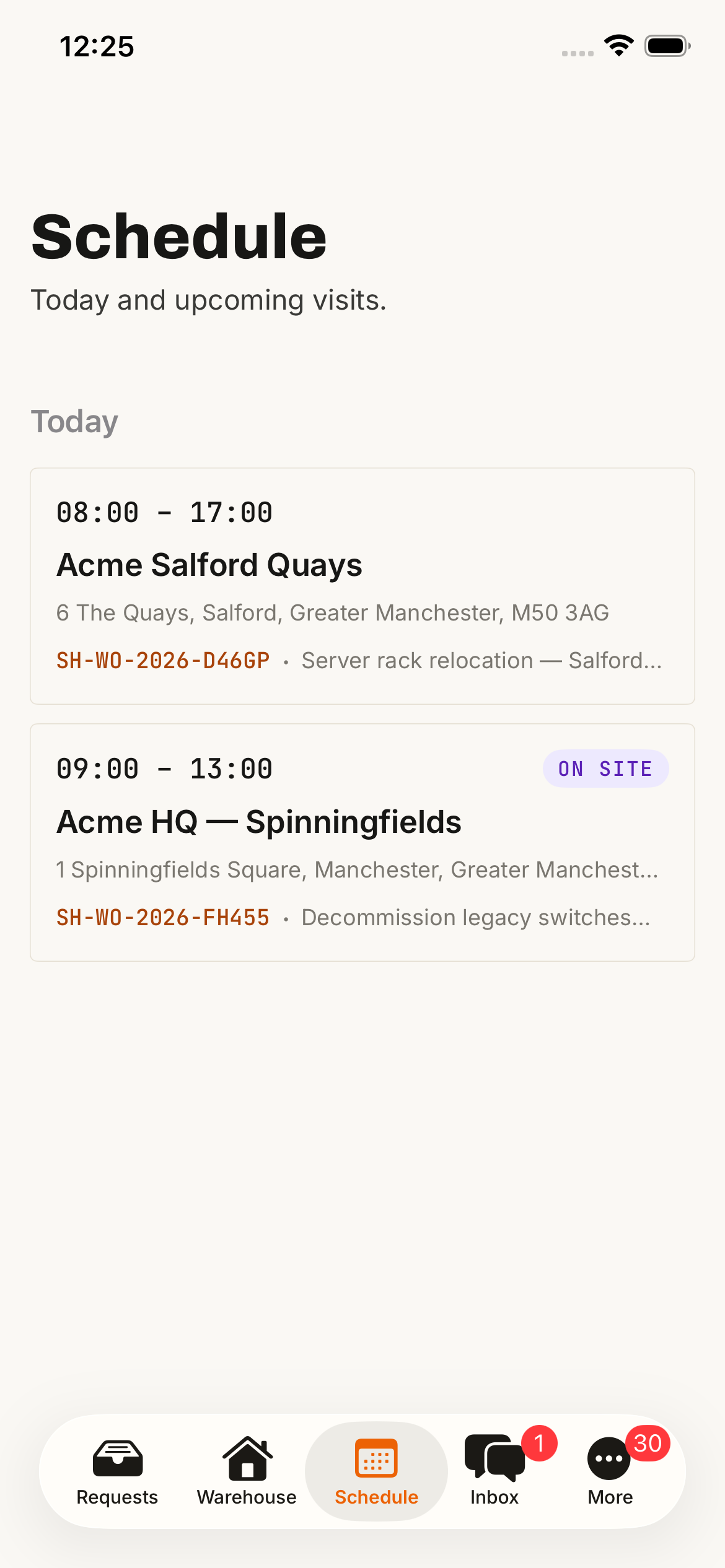
Every engineer visit booked into one of your sites lands in the Schedule tab with the time slot and the address. Tap a visit to open the Work Order behind it, or message the engineer directly if you need to flag something before they arrive.
Every active conversation across your Work Orders, Materials Orders and Support Requests collects in the Inbox tab, latest activity at the top. The fastest way to see anything new we've sent your way since you last looked.
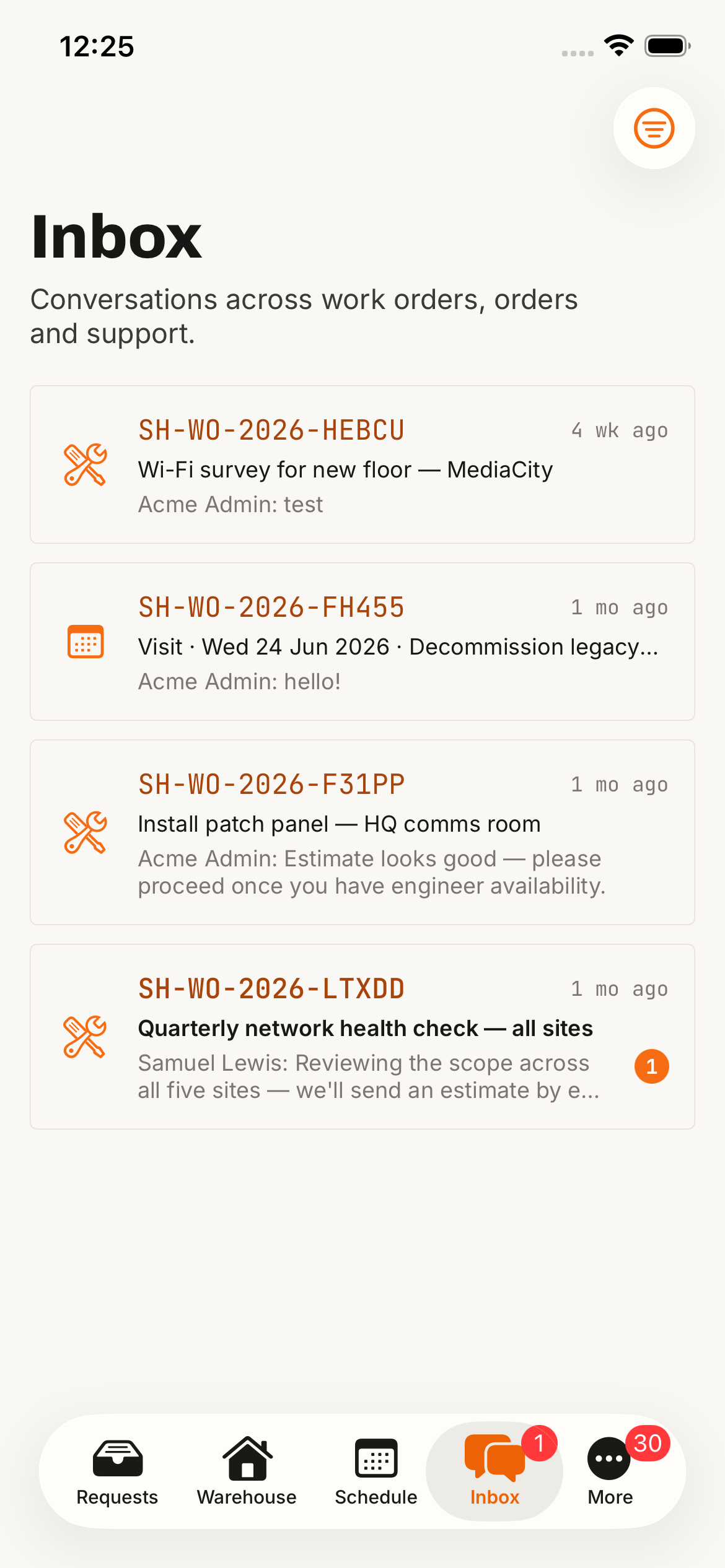
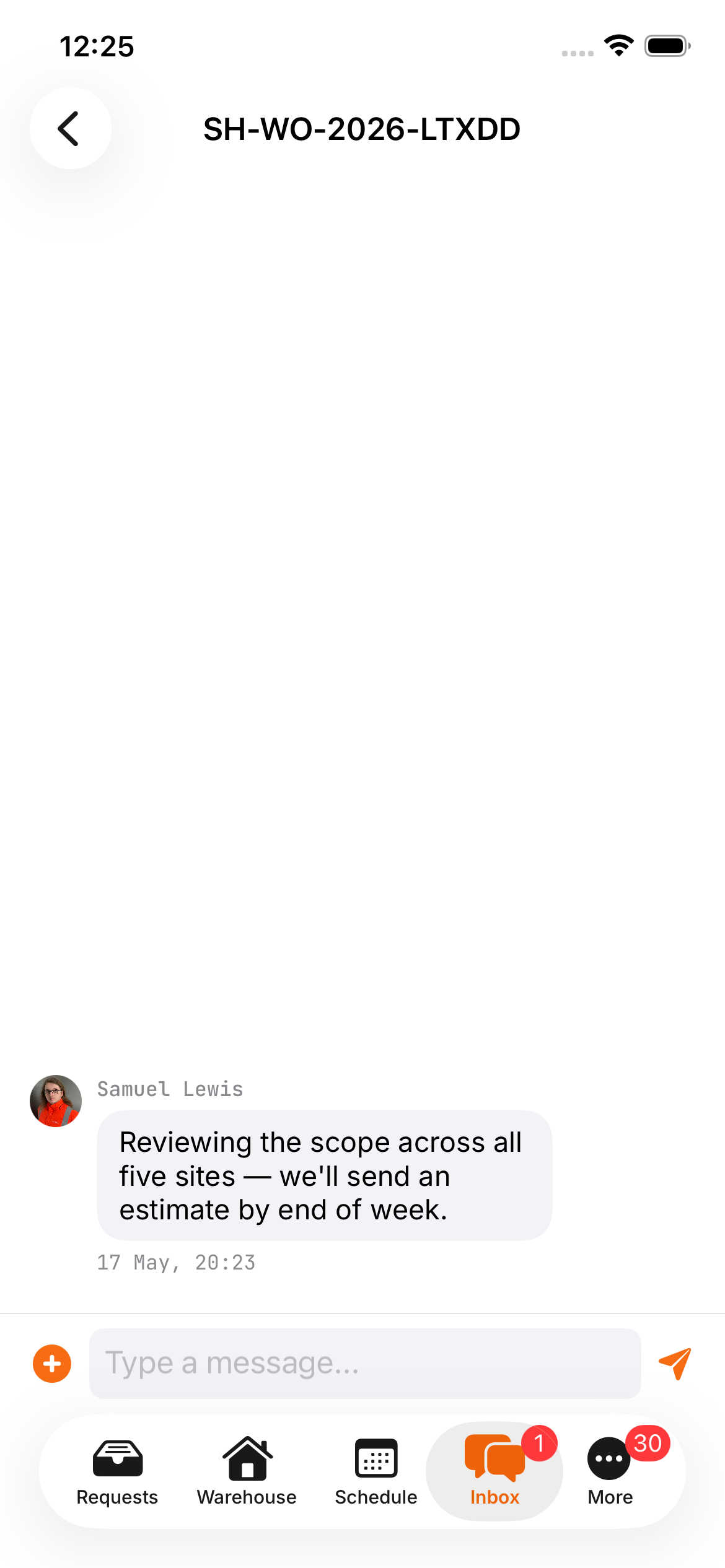
Every Work Order has its own conversation thread attached to it. Send a photo of the rack you need worked on, ask a question, get a reply from the engineer on the job — all the same thread you see on the Portal.
The app's open to anyone with a Smart Hands Portal account. If you can sign into the Portal at portal.smarthands.uk, you can sign into the app with the same email and password.
Use the same email and password you use for portal.smarthands.uk. Two-factor authentication and SSO carry over from the Portal, so if you've got those set up there's nothing extra to configure.
We only build for iPhone at the moment and don't have an Android version planned. If you're on Android, the Portal works well in mobile browsers and you'll get the same experience.
Allow notifications when the app first asks and you'll get a push when someone replies to one of your threads or an engineer is on the way to a site. You can turn individual categories off later in Settings.
The app's only useful if you've got a Portal account, so you'll need to sign up or book a quick onboarding call with us first.
Not today, and we don't have one planned. The Portal works fine in any modern mobile browser if you're on Android.
No. It's free for Smart Hands clients. You still pay £95/hour for engineer time, billed the same way as on the Portal.
No. The app covers the everyday stuff: raising Work Orders, tracking visits, messaging us. For heavier admin (team management, document signing, full invoice browsing), go to the Portal.
More questions? Schedule a call
If you're already a Smart Hands client, sign in with your Portal login. If you're not, you'll need to sign up first.