01 · Raise
Work Orders
Raise scope, attach a runbook, pick a site, set an NTE. We confirm and quote — fixed or time & materials — back in the Portal.

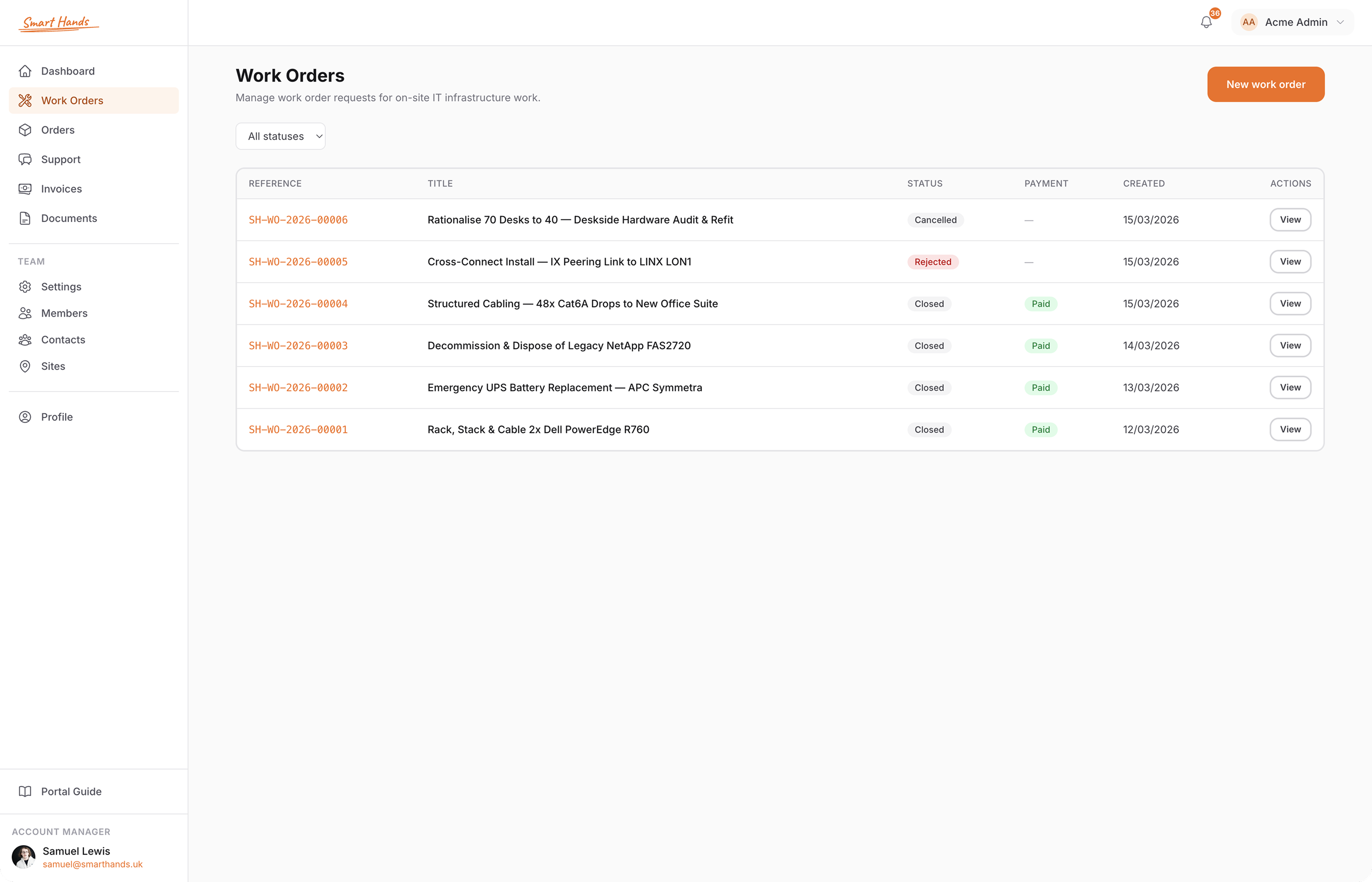
Every Work Order, Estimate, Materials Order, Visit, photo and invoice in one place. On the web, and on iPhone.
No more chasing email threads or hunting for the latest version. The Portal is the single source of truth between you and Smart Hands.
Raise scope, attach a runbook, pick a site, set an NTE. We confirm and quote — fixed or time & materials — back in the Portal.
Itemised estimates with hours and materials laid out. Approve, query, or counter from the Work Order. We don't exceed approved estimates without coming back to you.
GPS-tracked check-in and check-out per Visit. You see the engineer arrive, work, and leave — with the photo log building up as it happens.
Visits roll up into invoices you can download as PDF straight from the Work Order. Time logs and photo evidence stay attached for your records.
The full feature surface — not a marketing list.
scope · site · NTE · status
itemised · approve · query
GPS check-in · time log · photos
cables · panels · ship to site or Warehouse
engineer + account manager · per Work Order
before / after · per Visit · downloadable
PDF download · time logs attached
MSA · statements of work · in-Portal signatures
access notes · contacts · special instructions
unlimited seats · no per-user fees
email · iOS push · status changes · new messages
monthly allowance · usage · rollover
Same shape for every job — whether it's a 10-minute cable swap or a 22-hour right-sizing.
Scope, site, NTE, attachments. Submit it from the web or the iOS app.
We come back with hours and any materials. You approve or query — no work starts without it.
GPS check-in and check-out, photos and messages from the engineer as work happens.
Time logs and photos roll up into one PDF you can forward, file, or paste into your PSA.
A native iOS app with the same Work Orders, Visits, Messaging, and Materials Orders — plus push notifications when status changes or the engineer messages you.
Add the whole team. No per-seat charges. No single point of contact on your side.
Add as many colleagues as you want. Everyone can see and manage Work Orders — cover stays in place if someone's away.
Two-factor authentication on every account. SAML SSO is included for every team, at no extra cost — not gated behind an enterprise tier. Wire it up against Okta, Entra ID, Google Workspace or any SAML 2.0 IdP.
Each person picks the channels and events they want — email, iOS push, or both. Status changes, messages, Visit completion.
Who approved what, and when. Every Estimate signature, status change and message is timestamped against the Work Order.
Either book a short onboarding call or skip it and sign up online. We invite you to the Portal, you sign the MSA inside it, and you're ready to raise Work Orders.
No. The Portal and the iOS app are free for clients. You pay £95/hour for engineer time on Work Orders — whole-hour billing — and at-cost for any materials. See how billing works.
Yes — unlimited seats, no per-user fees. Everyone can see and manage Work Orders so cover stays in place when people are away. SAML SSO is included for every team at no extra cost — works with Okta, Entra ID, Google Workspace, or any SAML 2.0 IdP.
Need pricing detail? See how billing works
Onboard in under 10 minutes. Sign the MSA in the Portal, raise your first Work Order, and you're moving.